

Merza
Theme style: Merza - Premium Shopify Theme seamlessly caters to your store's unique needs, be it a high-end fashion bikini, a platform for designer collections, or a hub for curating fashion trends. It's your ideal choice to showcase products and captivate your audience with style and sophistication.
Welcome to our Homepage Merza here, you have the flexibility to easily change and customize the elements of the page to fit your needs. Simply follow the instructions provided and make the page your own. Effortlessly learn how to use and configure with just one click on the desired section.
To use the theme editor, all you need to do is log into your Shopify admin account, click on "Online Store", then select "Themes". When you arrive within the Current Theme section, you’ll be able to pick the theme you’re using and click on "Customize".
.png)
Clicking the Customize button will automatically take you to the Shopify theme editor. Below is the sections that our theme used:
.jpg)
- Announcement bar Section
- Header Section
- Slideshow Section
- Product tabs Section
- Banner timeline Section
.jpg)
- Shop the look Section
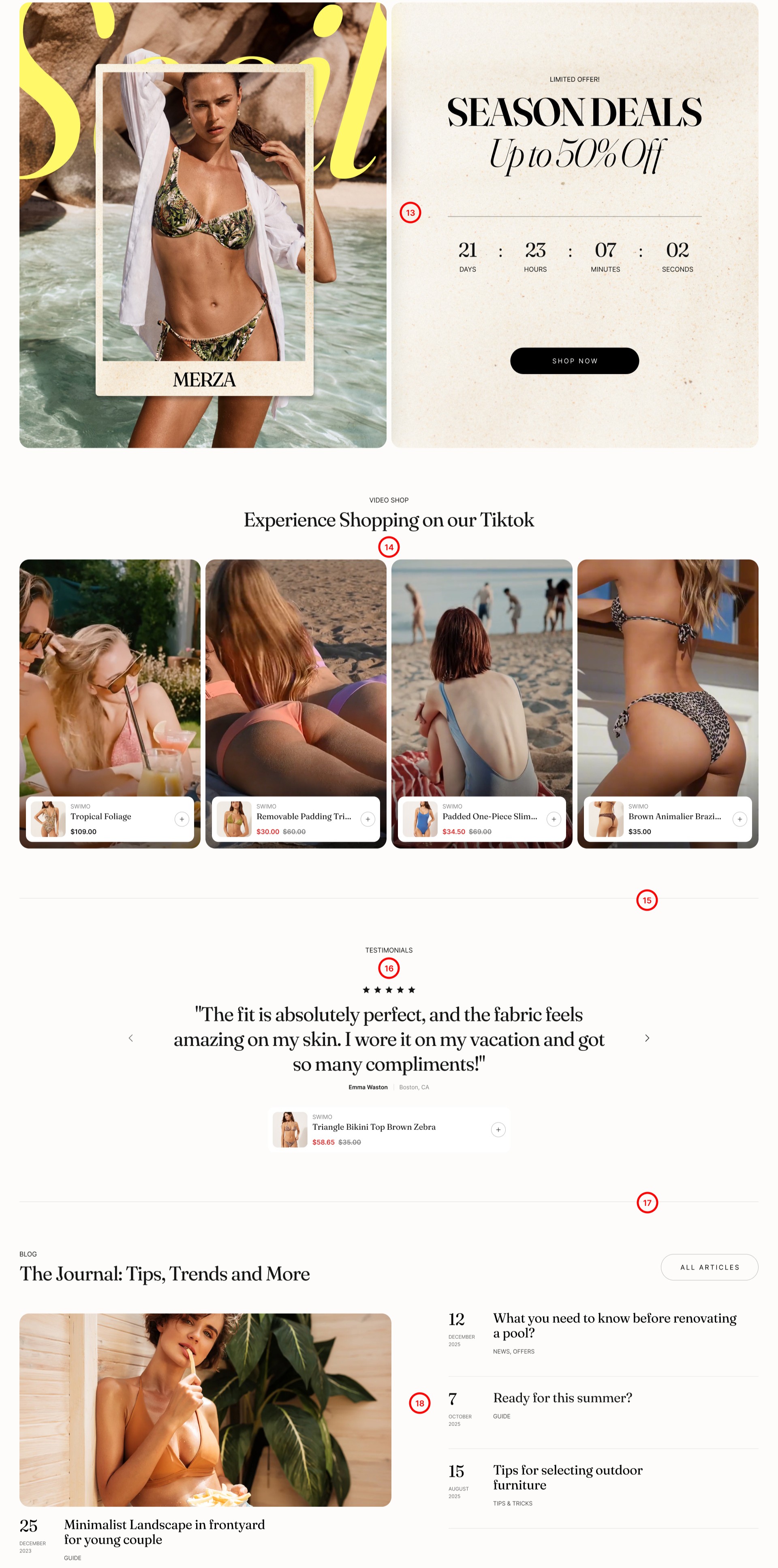
- Countdown timer Section
- Rich text Section
- Featured product Section
- Collection highlights Section
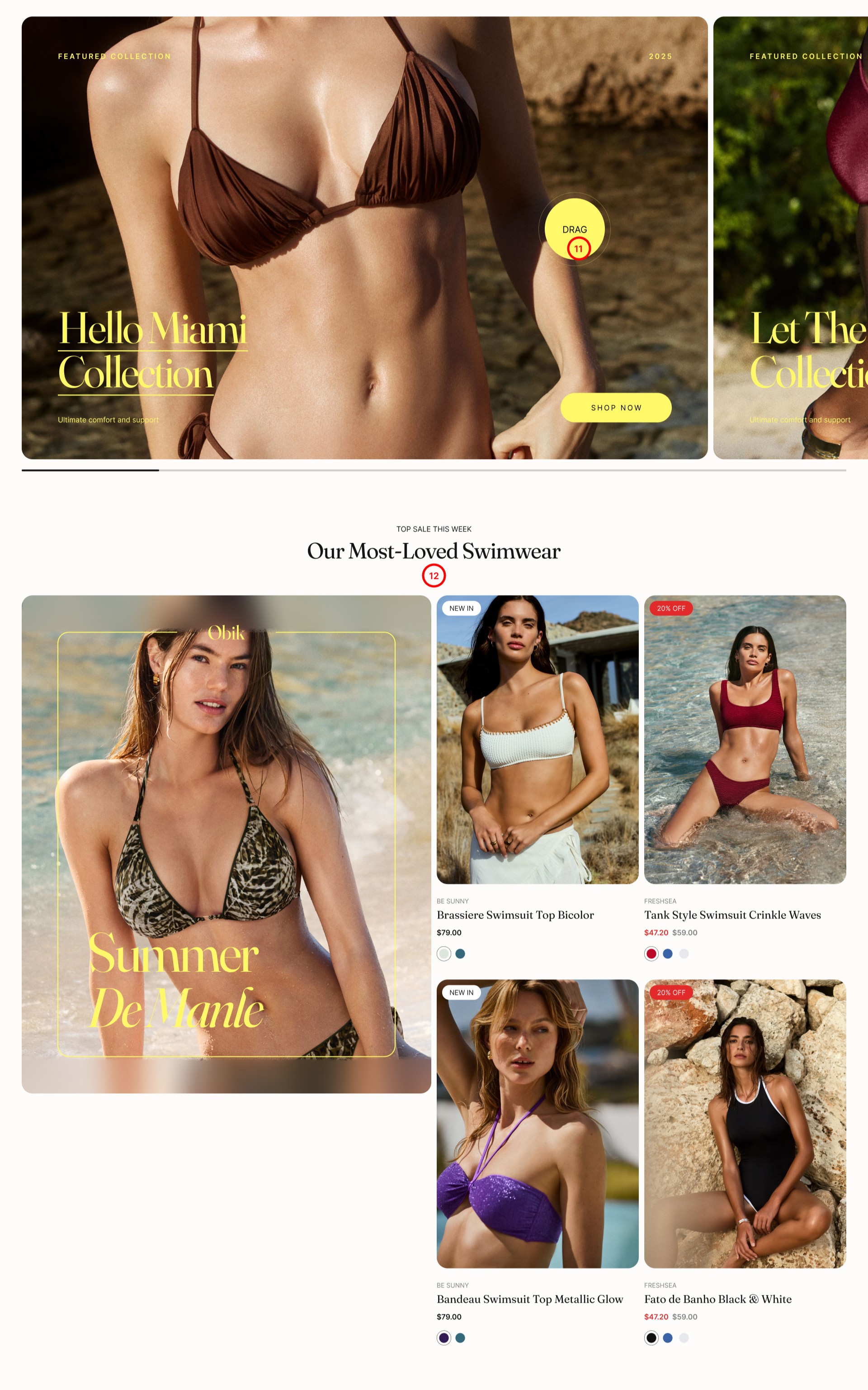
- Multi content Section
- Shopable video Section
- Divider Section
- Product testimonials Section
- Divider Section
- Featured blog Section
.jpg)
No comments yet